
These are some of the Lightroom Shortcuts I find very useful. It is by no means an extensive list, but rather ones that we use on-site at a Social Event.
Although these are Mac keyboard shortcuts they will work on PCs as well, merely substitute ctrl for cmd.
Key G - Wherever you are in Lightroom pressing the "G" key will take you a Grid view the Library module
Tip- G for "GRID"

Key D - Develop Module. This will open your image selection in the Develop module
Tip - D for "Develop"
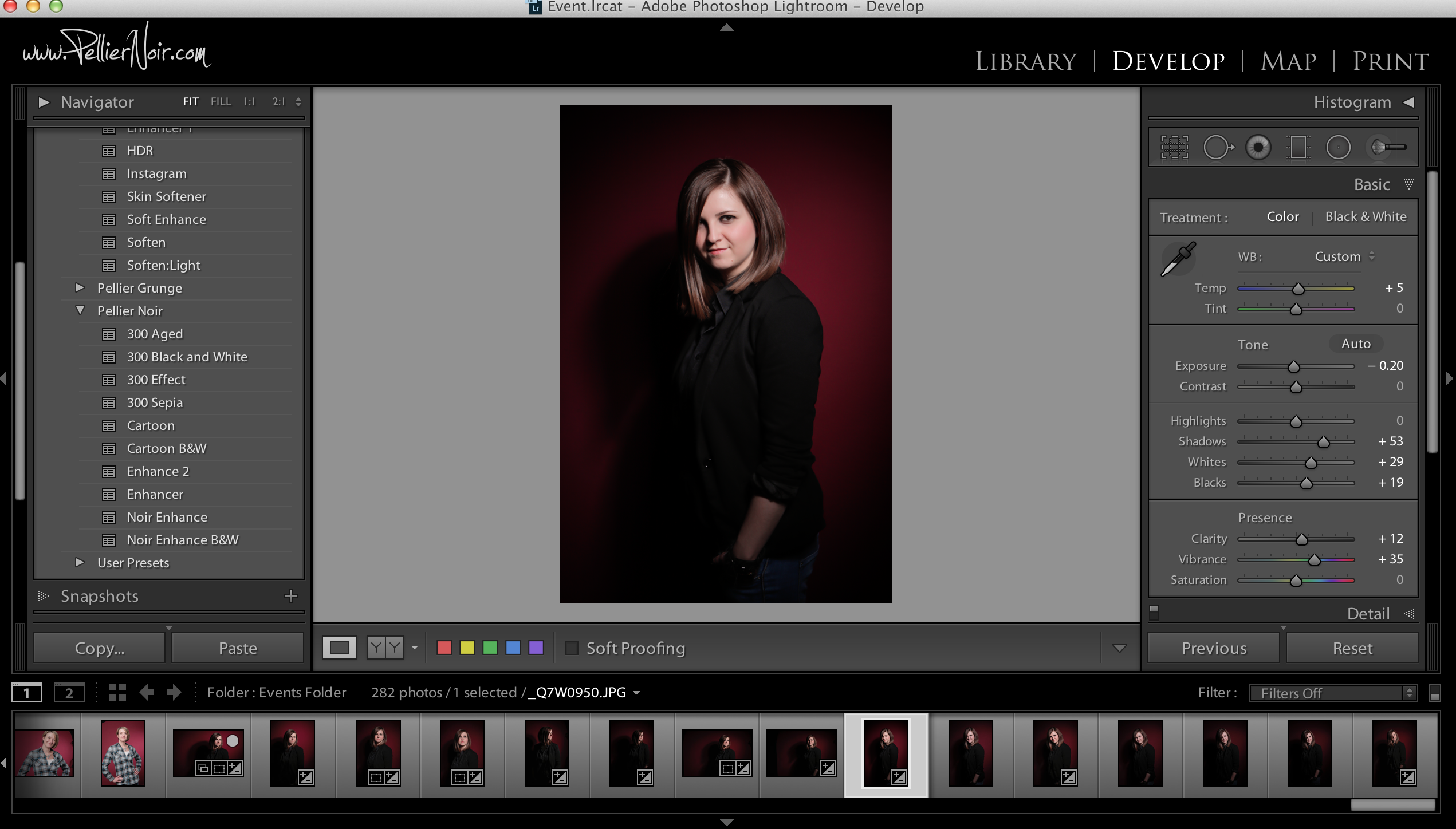
Key R - Opens the image in the crop mode

Keys cmd+P -Will take the image or images selected to the Print Module

Key F - Initiates the Full Screen mode

Key Y - Compare mode. This enables the user to place the selected image side by side with it's original version
Tip - Why (Y) do you want to see both versions????

Key N - Survey mode. Should you make a selection of more than one thumbnail pressing N will place only the selected images on the screen

Tab Key - This will hide or reveal the side bars.


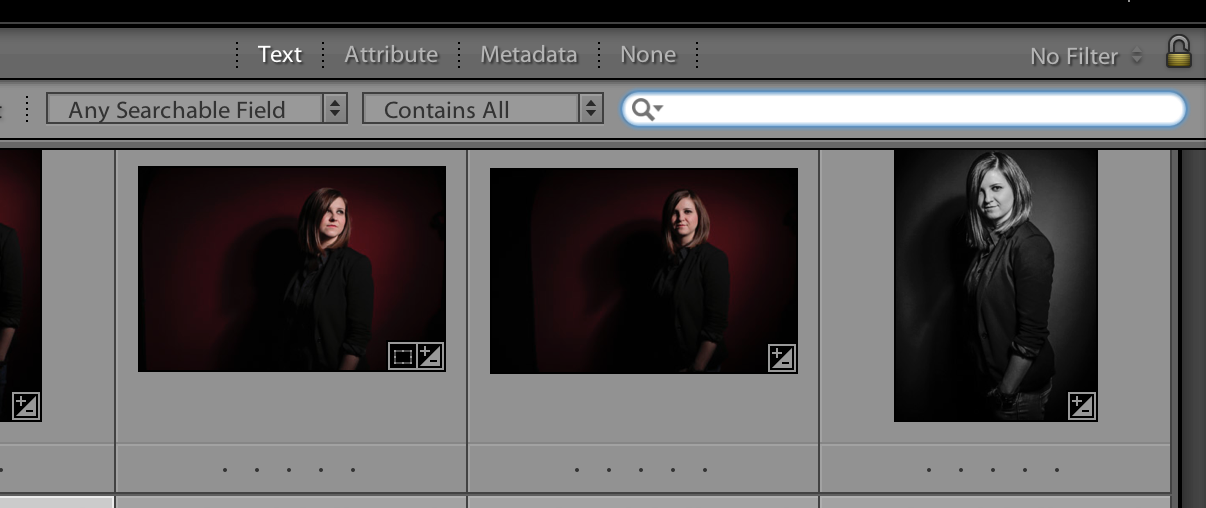
Keys cmd+F - This initiates the search field
Key C - Compare! If you are in a situation where 2 images are very similar it is possible to put the 2 side-by-side to, well, compare them. By selecting either image on the screen you can change each of the images at will. A handy way to minimise your selection with very similar images

Key L - Lights Out! This dims the screen leaving only your selected images on view

Keys cmd+Z - This undoes your last action. This could be a selection, movement, cep, preset action etc. It is backward sequential. So by using this key command you can continue backwards undoing all previous actions
I hope you find this helpful


Leave A Comment
Comments